One-Click Customer Portal Login via API
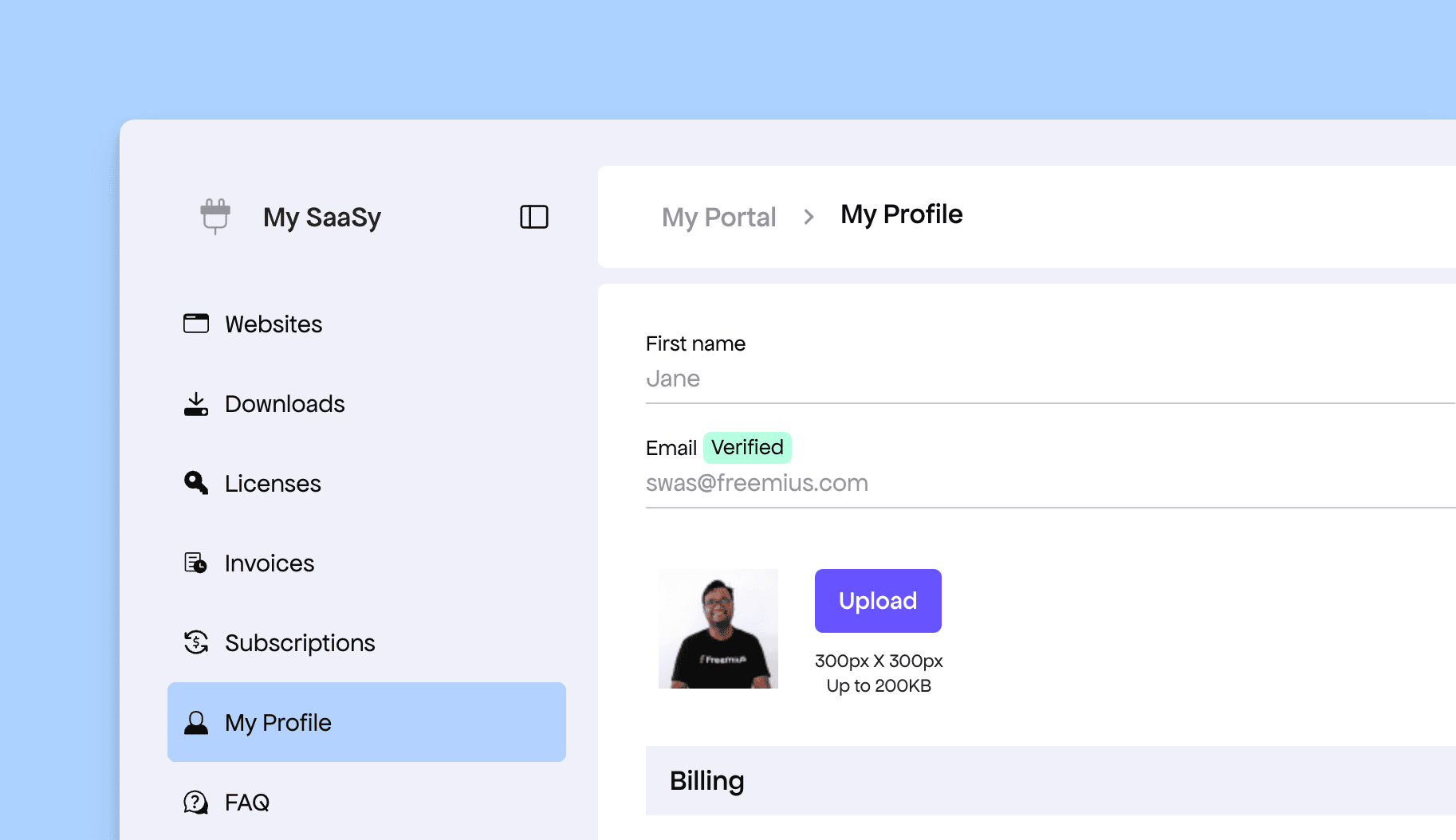
This week we’re releasing a new capability that lets you generate auto-login links to the Customer Portal for your buyers. We understand that in today’s SaaS & App marketplace, development speed is critical, so we aim to offload as much infrastructure and UX complexity from you as possible. As part of that, Freemius already provides a hosted Customer Portal where buyers can manage subscriptions, purchases, and even join the affiliate program.
Until now, there was no way to generate login links that automatically authenticated customers. Buyers always had to enter their Freemius password to access the portal. With today’s rollout, this is no longer required. You can now make an API call to generate a secure magic link and redirect your buyers directly into the Customer Portal without any manual login step.
Generating the Magic Login Link
You need to make an API call to the following endpoint using Bearer Token authentication:
POST https://api.freemius.com/v1/products/{product_id}/portal/login.json
{"email": "[email protected]"}
The response will be a JSON object with the following properties:
link– The magic login linktoken– A login token for manual or more advanced integrations
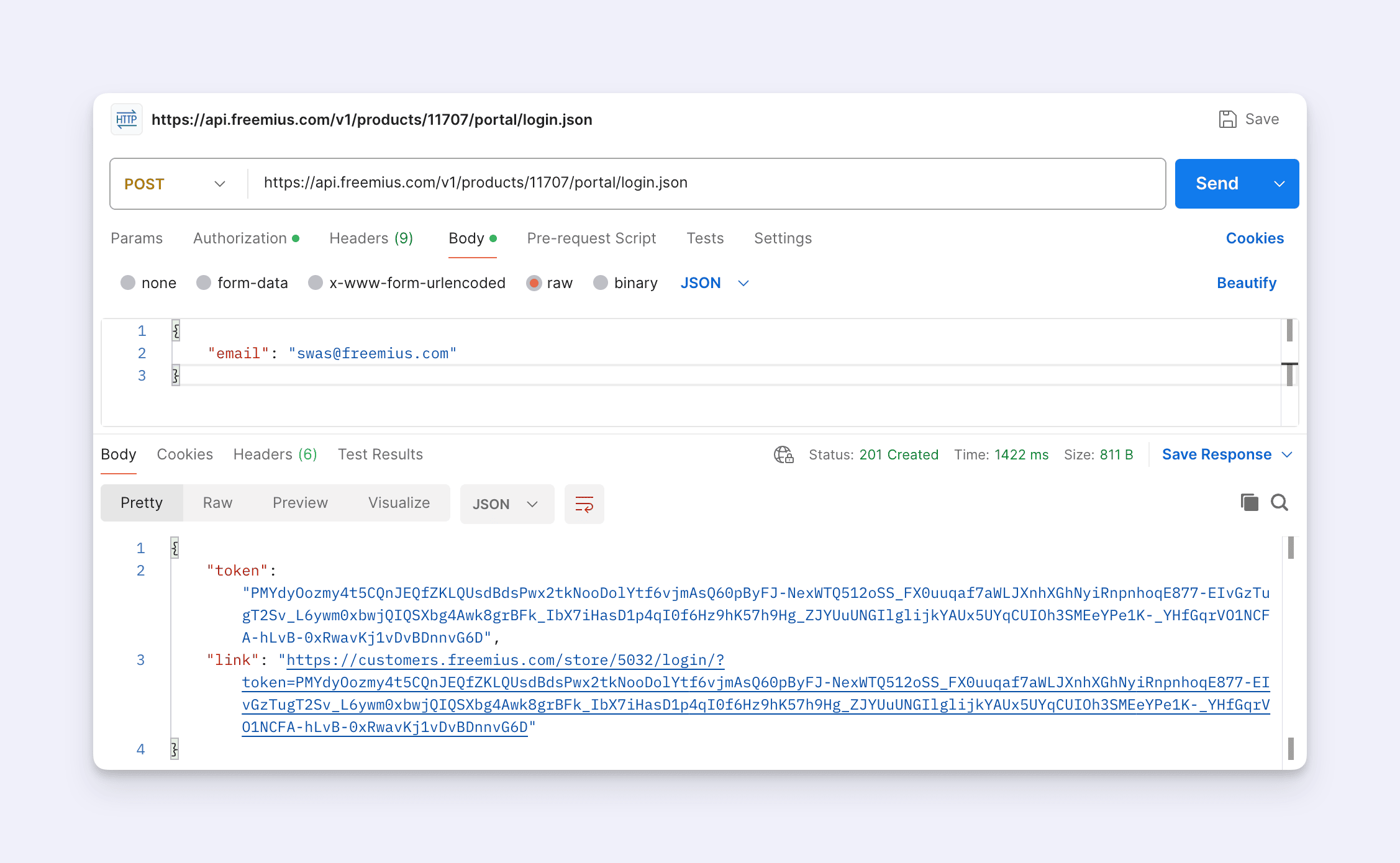
Once generated, you should immediately redirect your customer to the link, and they will be automatically logged in to the Customer Portal.
More detailed documentation will follow shortly. Until then, please note that you can generate the login link using either:
email– If you don’t store the Freemius User IDid– If you do store it, which is the preferred approach
Also note that the link generated by the API call is short-lived and expires after 5 minutes. You should only generate it when the customer explicitly requests access to the portal, and then redirect them immediately.