Improvements to Email Customization UI & Placement
As a follow-up to the recently released email customization feature, this week we are deploying the following enhancements:
- The email section no longer requires a title to be present, giving you more flexibility when adding concise instructions or contextual notes.
- The custom section now appears earlier in the email, with a UI that feels more naturally integrated into the overall email layout.
You can head to Emails → Customization to start customizing it right away.
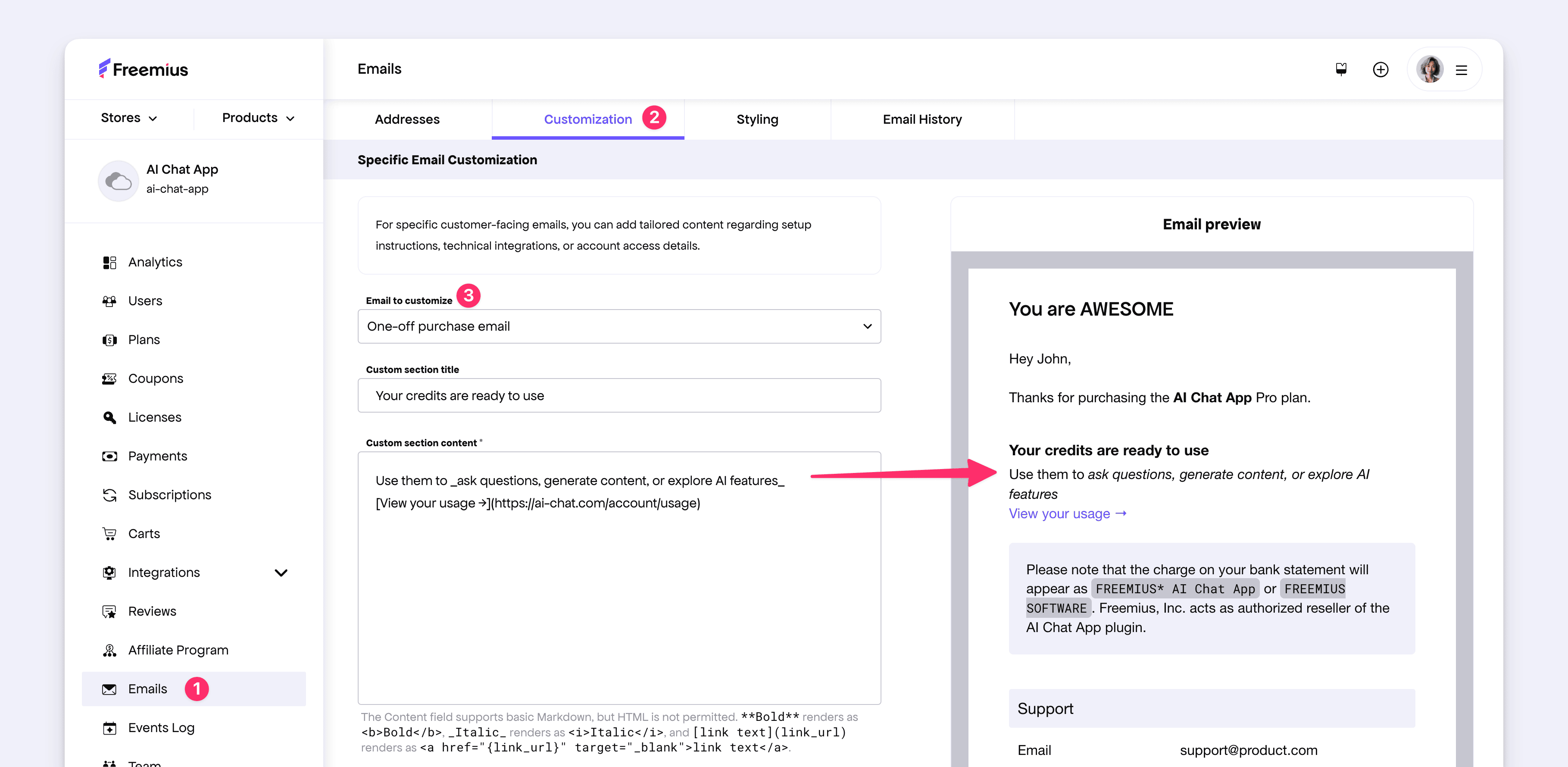
We have also further enhanced the UI/UX of the Developer Dashboard around this feature:
- The preview UI is now snappier and more compact.
- A separate Styling tab has been introduced for email branding customization, reducing clutter under the single Customization tab.