New Side Panel View for Licenses in the Developer Dashboard
This week we are rolling out a new feature to the Licenses page in the Developer Dashboard. Until now, makers could only view licenses in a tabular (data-heavy) format. While functional, we understood from a UX perspective that this could feel overwhelming, and it wasn’t always easy to quickly surface key information about the user or the subscription associated with a license. In many cases, you had to navigate away from the table to dedicated pages to find those details.
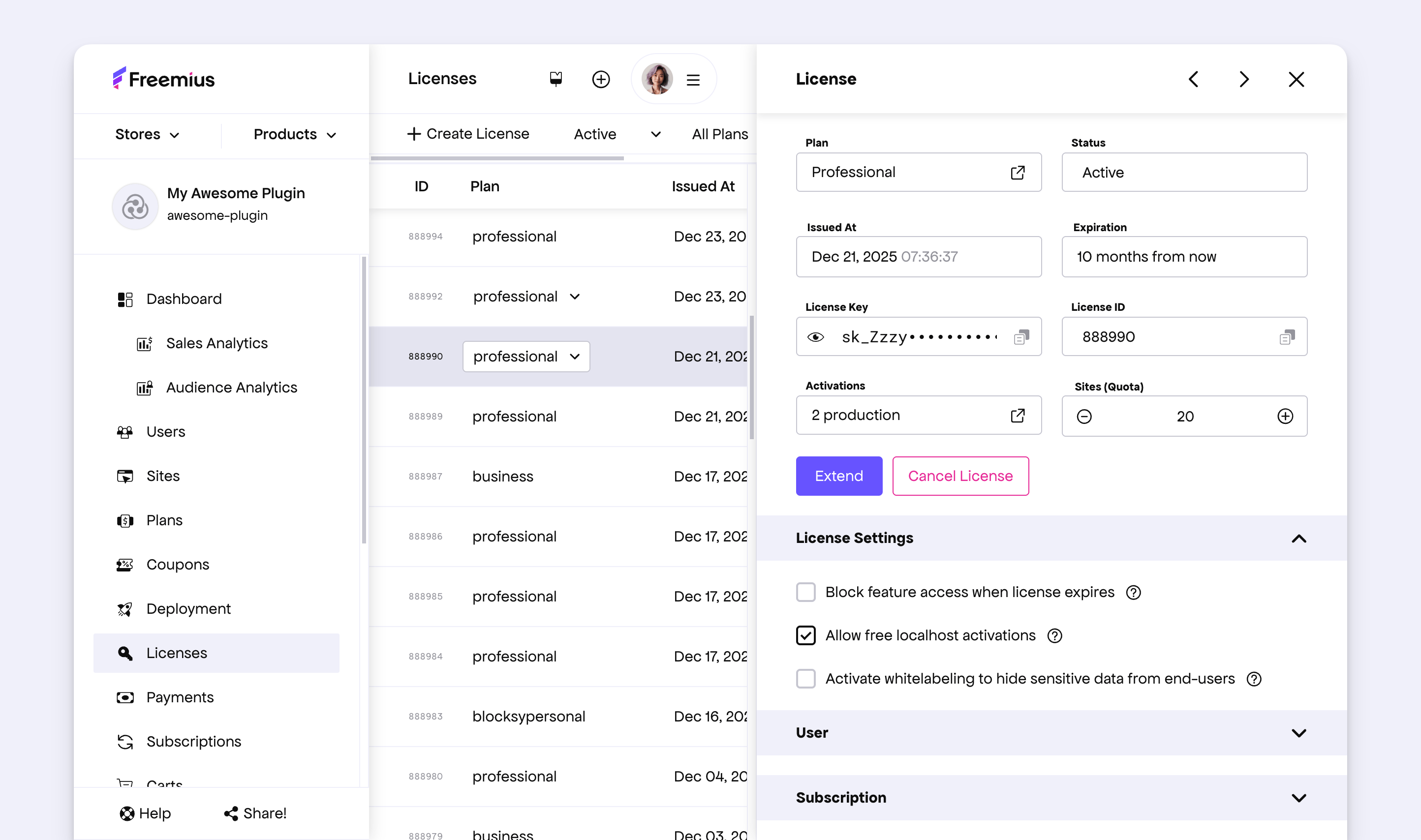
With this update, you can now open a side panel view for a license, consistent with how other entities are presented across the dashboard. The side panel provides quick access to essential license information and exposes common actions such as extending the license, changing the quote, or adjusting related settings.
It also surfaces details about the connected user and the associated subscription, all in one place.
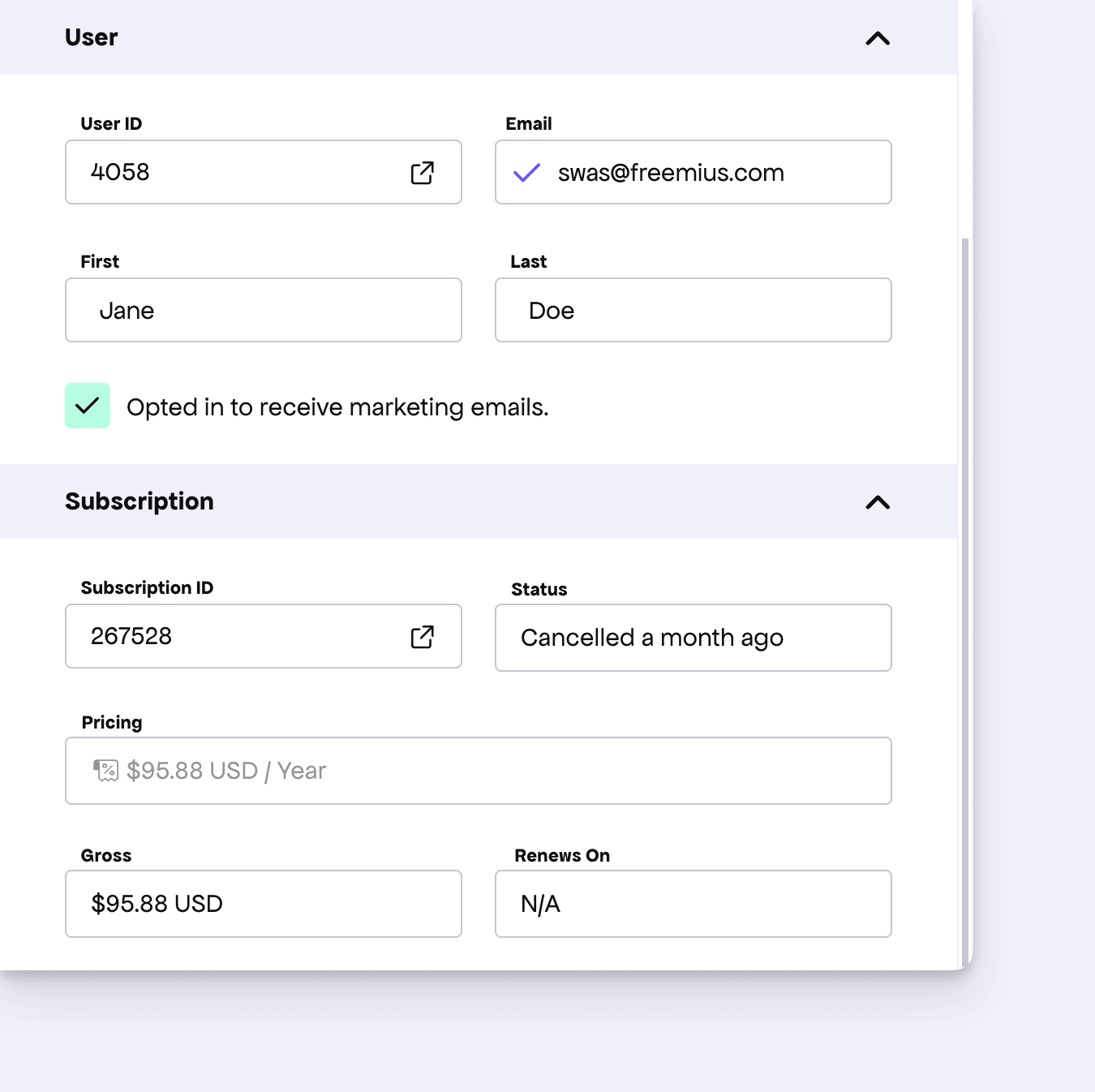
The goal here is to reduce context switching and make day-to-day license management faster and more intuitive. As always, if you have feedback or ideas on how this can be improved further, we’d love to hear them on the feature board.
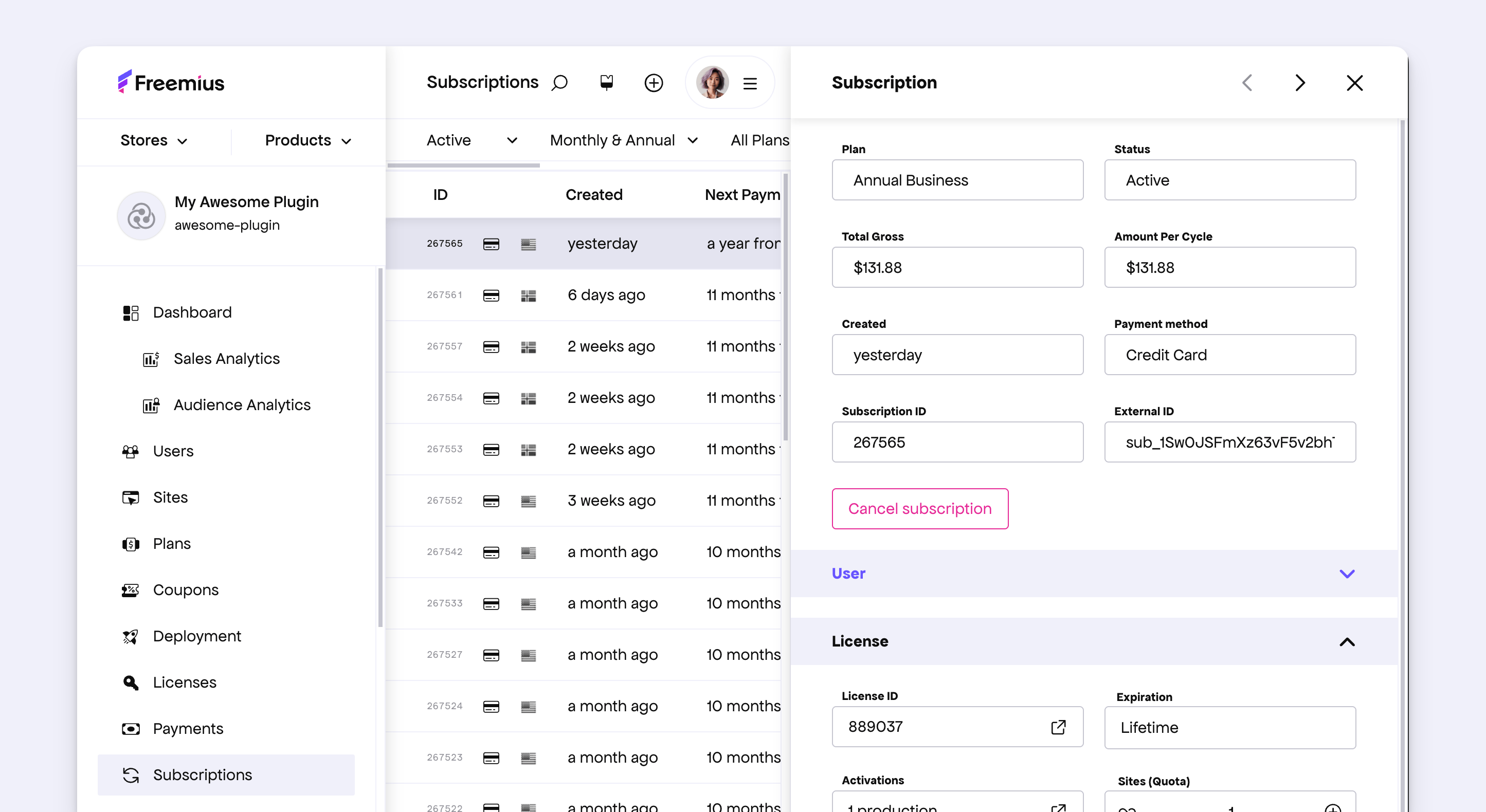
As a follow-up to this change, we’ve also updated the Subscriptions side panel to align with the same design system and interaction patterns.