

Distributing your Templates and Providing Updates
Now that you have released your template files, they are ready for distribution. Your customers will be able to download the template files via the following channels:
Checkout Confirmation Dialog
Once your customers complete the checkout, the purchase confirmation dialog box will have a link to download the template files. The customer can click on the link to download the ZIP file.
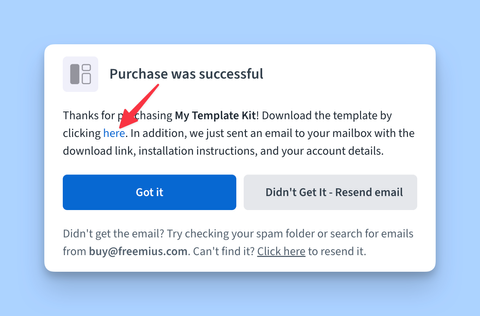
The download link is temporarily available for a limited time after the purchase. It will expire. This is to ensure that customers have enough time to download their files while also maintaining security and preventing unauthorized access to the files.
After Purchase Email
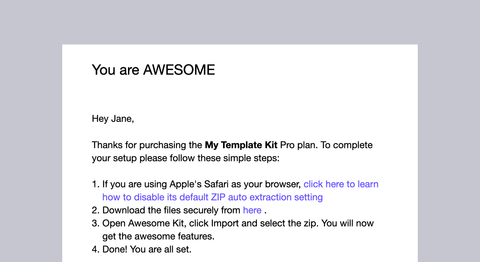
Freemius sends a purchase confirmation email to the customer. Once you've configured the installation instructions, the email will contain the instructions along with the download link for the template files.
Customer Portal
Additionally, after a successful purchase, the customer will receive a purchase confirmation email that contains the link to the Customer Portal.
The customer can click on the link to access the Customer Portal. Then navigate to the Downloads page to find the download link for their purchased templates.
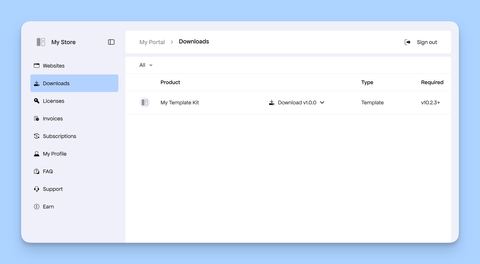
This is also the place from where the custmers can download latest updates.