

Enable your customers to manage their license activations
The Freemius Customer Portal includes a dedicated "Activations" page where your customers can view and manage their active installations of your app. This feature allows you to sell your app while fully offloading license management to Freemius. Freemius handles key operations, including license activation and deactivation, and gives your customers a way to manage those licenses outside of the app.
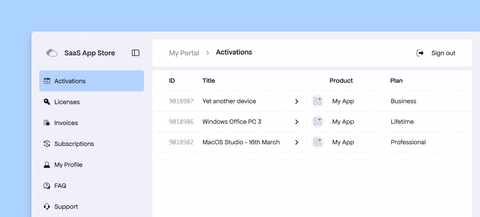
Once your application is integrated with the license activation API, your customers will be able to see a list of their active installations (activations) on this page. Each activation represents an instance or a device where the license key has been activated.
Features
The activations page includes the following handy features for your customers:
Activation Details and Plan Upgrade
Clicking an activation opens a details page with more information, such as the plan, license key, and number of activations.
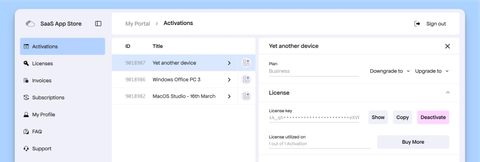
It also displays easy upgrade and downgrade options.
License Deactivation
To deactivate a license, your customers can simply click the "Deactivate" button. A confirmation step is shown before the license is actually deactivated.
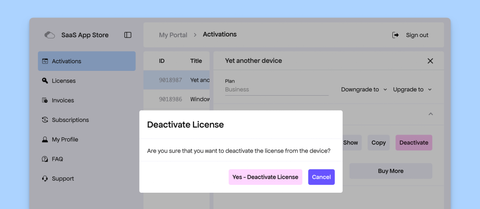
Completing this process allows your customers to free up the license for use on another device or installation.