|
|
This month brings meaningful refinements across the customer buying journey and the internal tools you rely on. Upgrades are simpler, checkout flows are more flexible, billing details are clearer, and several long-standing edge cases around attribution, testing, and recovery finally got the attention they needed.
Let’s dive into what has improved.
Upgrade from Single Products to Bundles Seamlessly
For makers running multiple products, this upgrade path has been a real pressure point. Customers who wanted to move into a bundle often hit friction and the workarounds weren’t always intuitive.
This new flow removes upgrade friction, reduces support back-and-forth, and creates a much clearer path for customers who start with one product and later discover the value of a full bundle.
If a customer owns any product included in a bundle, they can upgrade directly through checkout without juggling keys, emailing support, or re-activating anything.
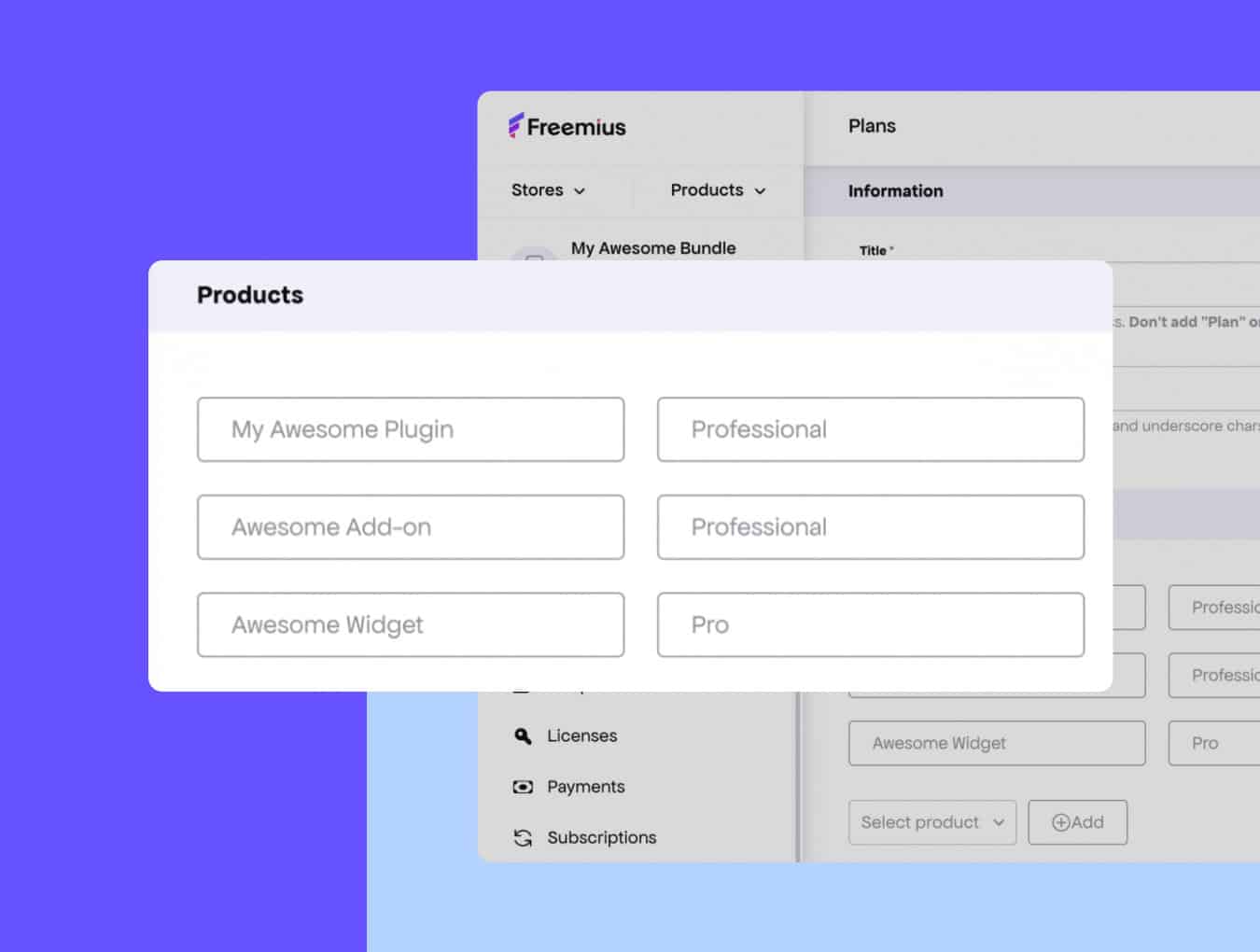
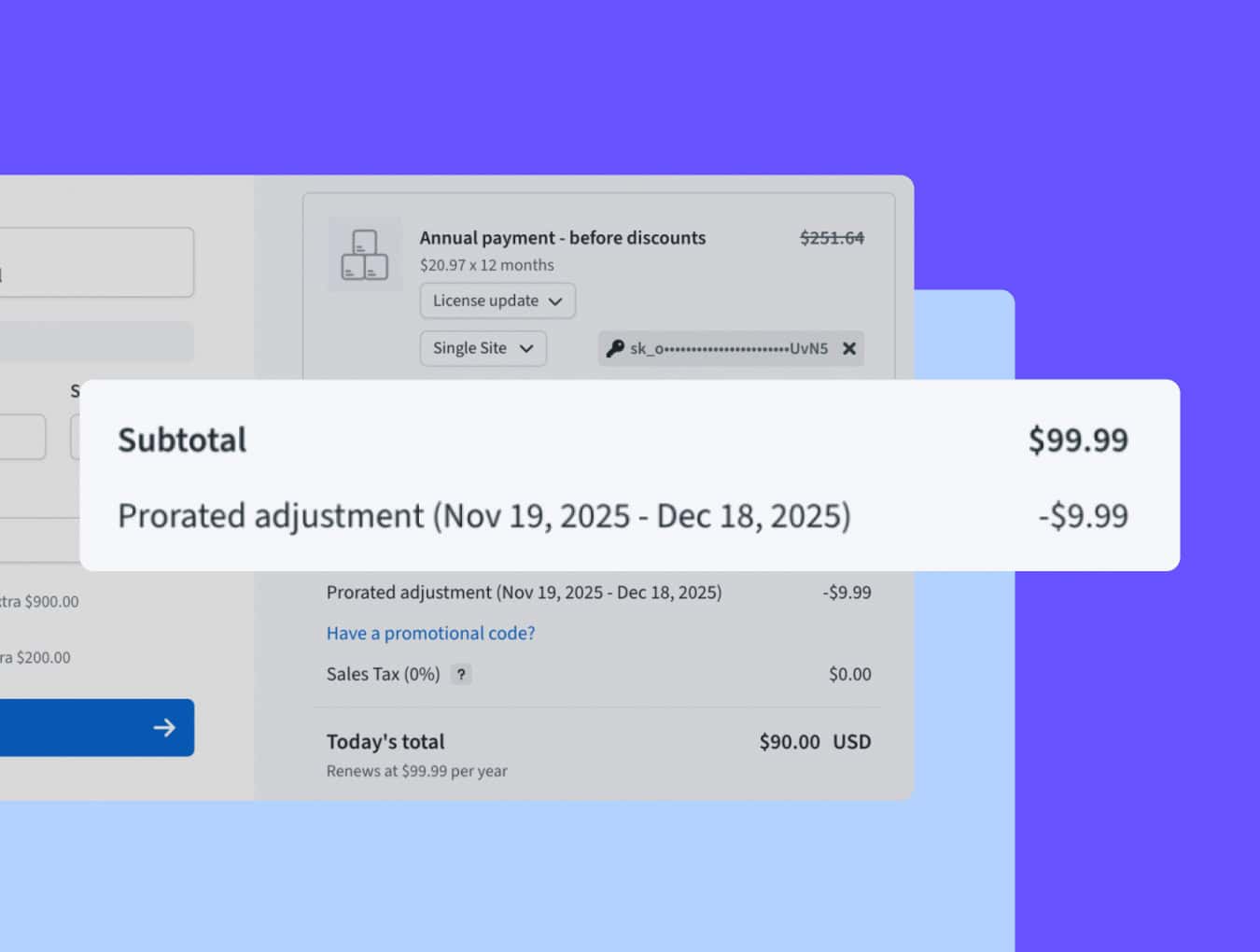
- Automatic prorated discount — customers only pay the difference for the bundle
- No new license to manage — the original key becomes the bundle key
- Instant access to all bundle products — existing website activations remain intact
WordPress SDK 2.13.0 Brings Full Checkout Power Into WP Admin
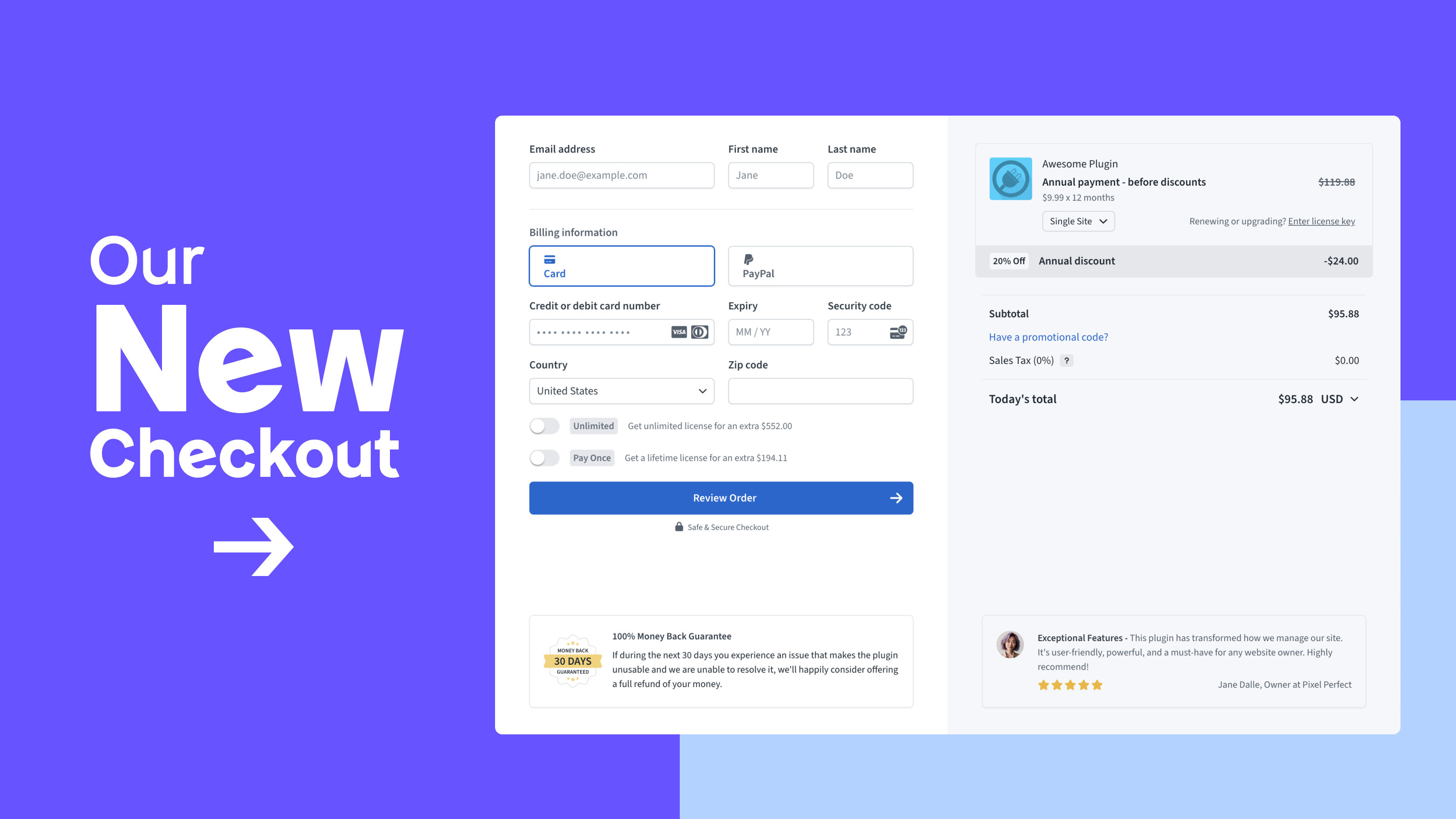
If you rely on in-dashboard selling, this update is a big quality-of-life boost. The checkout inside WP admin now works as smoothly as the on-site version, so customers can buy or upgrade without leaving the dashboard.
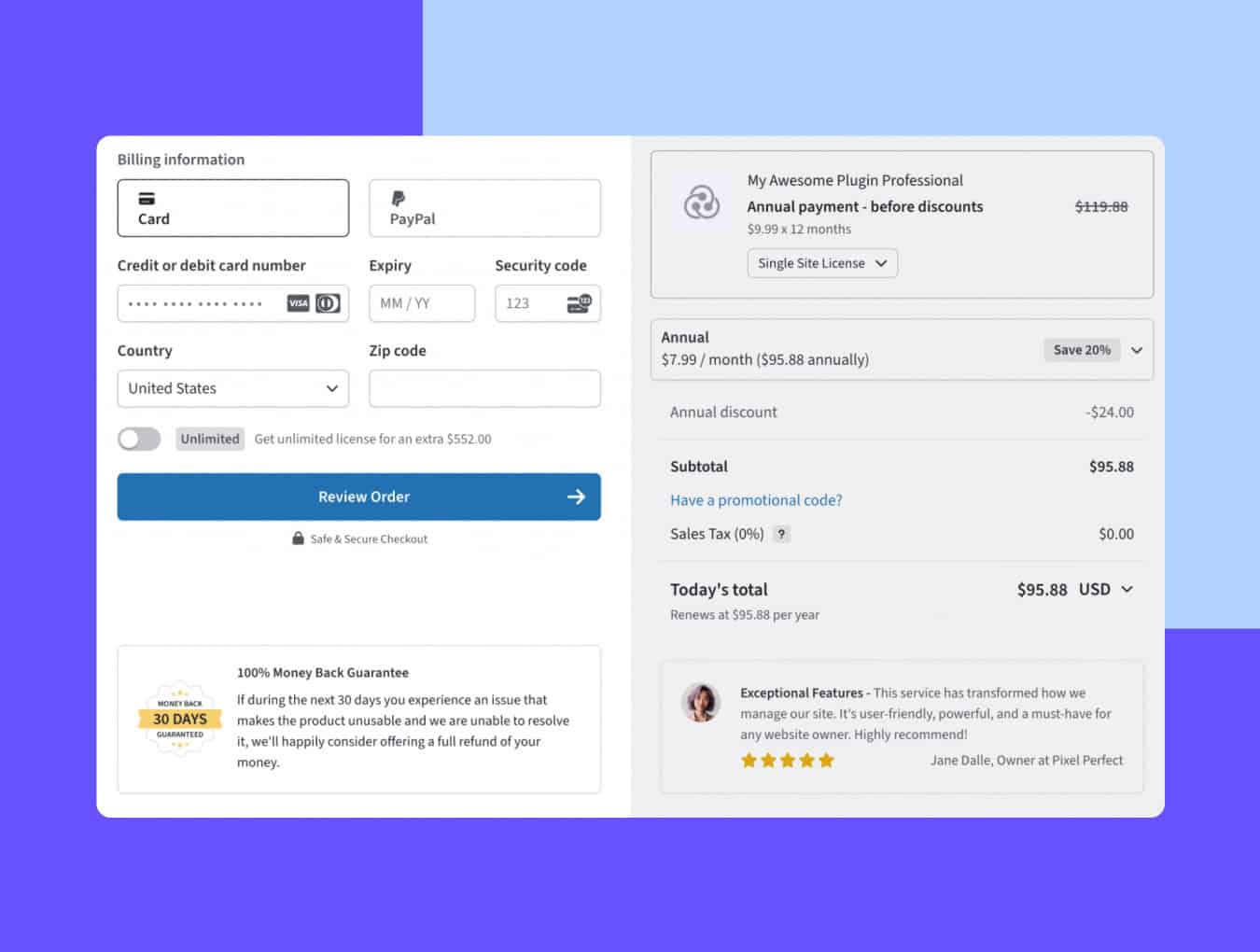
On top of that, you now get full control over the checkout’s configuration.
Want to adjust billing-cycle selectors, tweak the UI, or fine-tune behavior for custom pricing pages? The new filter lets you shape the in-dashboard checkout to match exactly how you want to sell.
This keeps the whole experience contained and removes a chunk of friction from your flow.
Freemius for WordPress Plugin Makes Checkout Integration Almost Effortless
Freemius for WordPress plugin started as a personal tool built by Xaver, the creator of Mailster. After showing it to our CEO, Vova Feldman, at WordCamp Asia, we sponsored its development so makers could have a simple, reliable way to integrate Freemius checkout into their marketing sites.
Now it’s officially available to everyone and any block-based button in WordPress can become a fully functional Freemius checkout button.
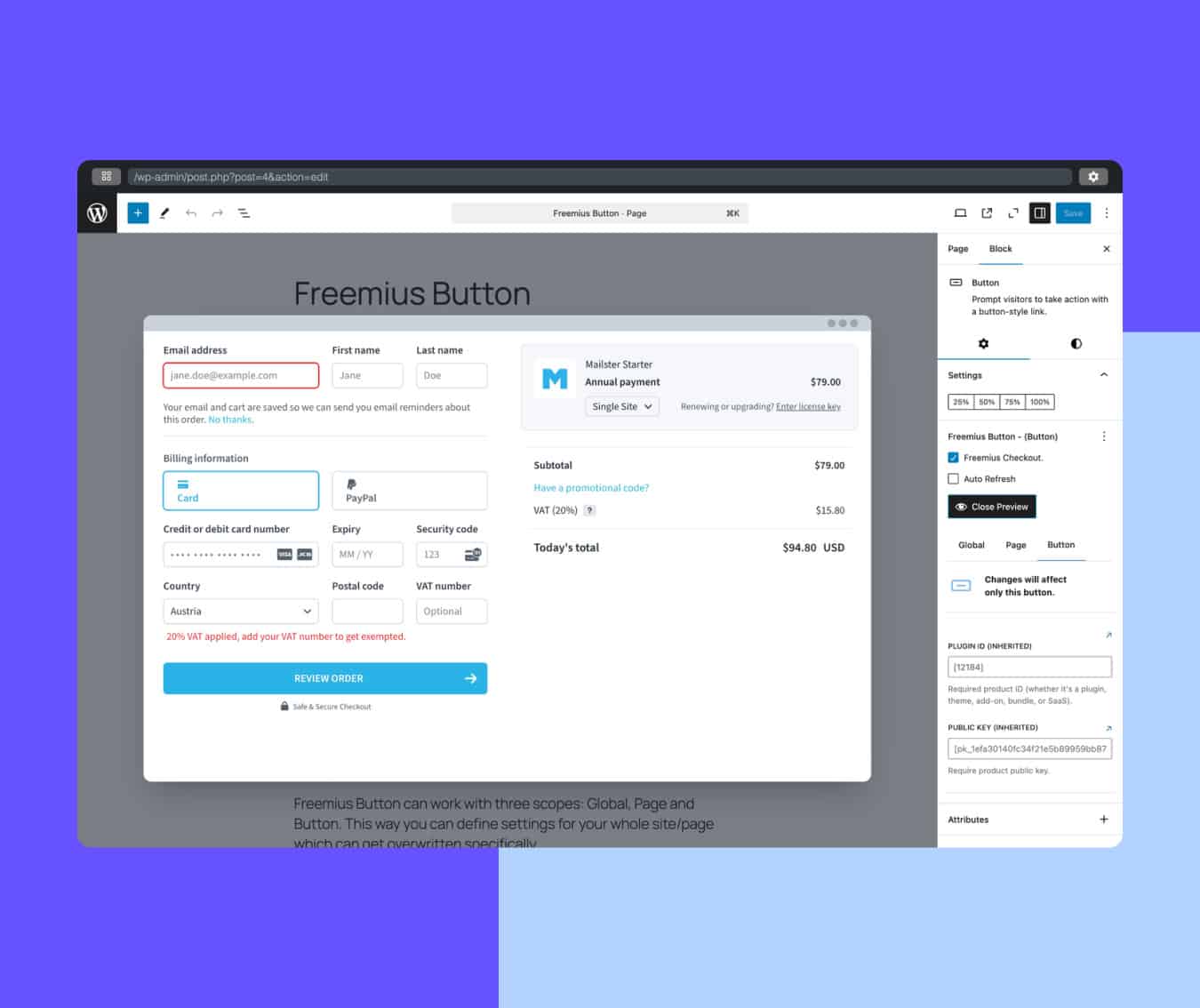
Here’s what it does:
- Turns any block-based button into a Freemius checkout button
- Makes WP-based pricing pages and landing pages dead simple to wire up
- Removes the need to write or maintain integration code
- Significantly smooths the buying experience
You can watch a quick video demonstrating how to set it up:
Cleaner Invoice Details and Clearer Product Attribution
Up until now, customer invoices always showed “on behalf of” using your maker details, even when the purchase was for a specific product or brand. Many makers asked to flip that logic, so invoices now pull from the product first and only fall back to the maker name when needed.
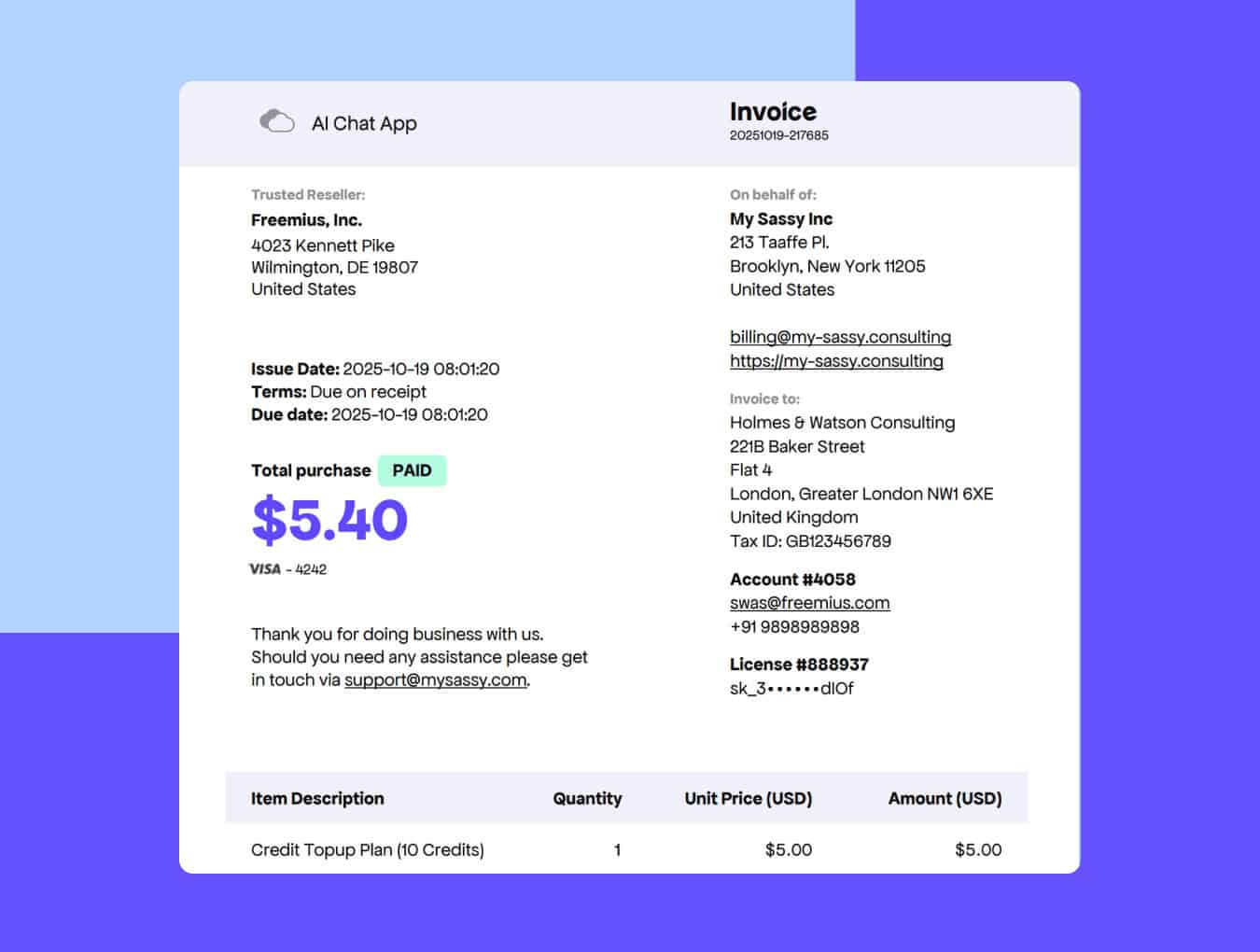
As part of these improved invoice details, we also fixed a few related quirks:
- Invoice headers for SaaS & Apps no longer show product slugs
- Product URLs use the product URL first and only fallback to the maker’s billing URL if it’s not set
- Custom license unit labels show properly in the item description
This makes everything cleaner and more consistent for customers who buy from multi-product makers.
Easier Testing for Custom Payment Recovery URLs
If you’ve played with the custom payment recovery URL feature we released recently, you may have noticed that testing the flow wasn’t as smooth as it could be. And because this feature is all about handling failed payments, it’s only natural to want a fast, reliable way to confirm everything works as expected.
To fix that, we’ve added a new “Test Payment Recovery” button in the UI that lets you trigger the flow instantly. No workarounds are required!
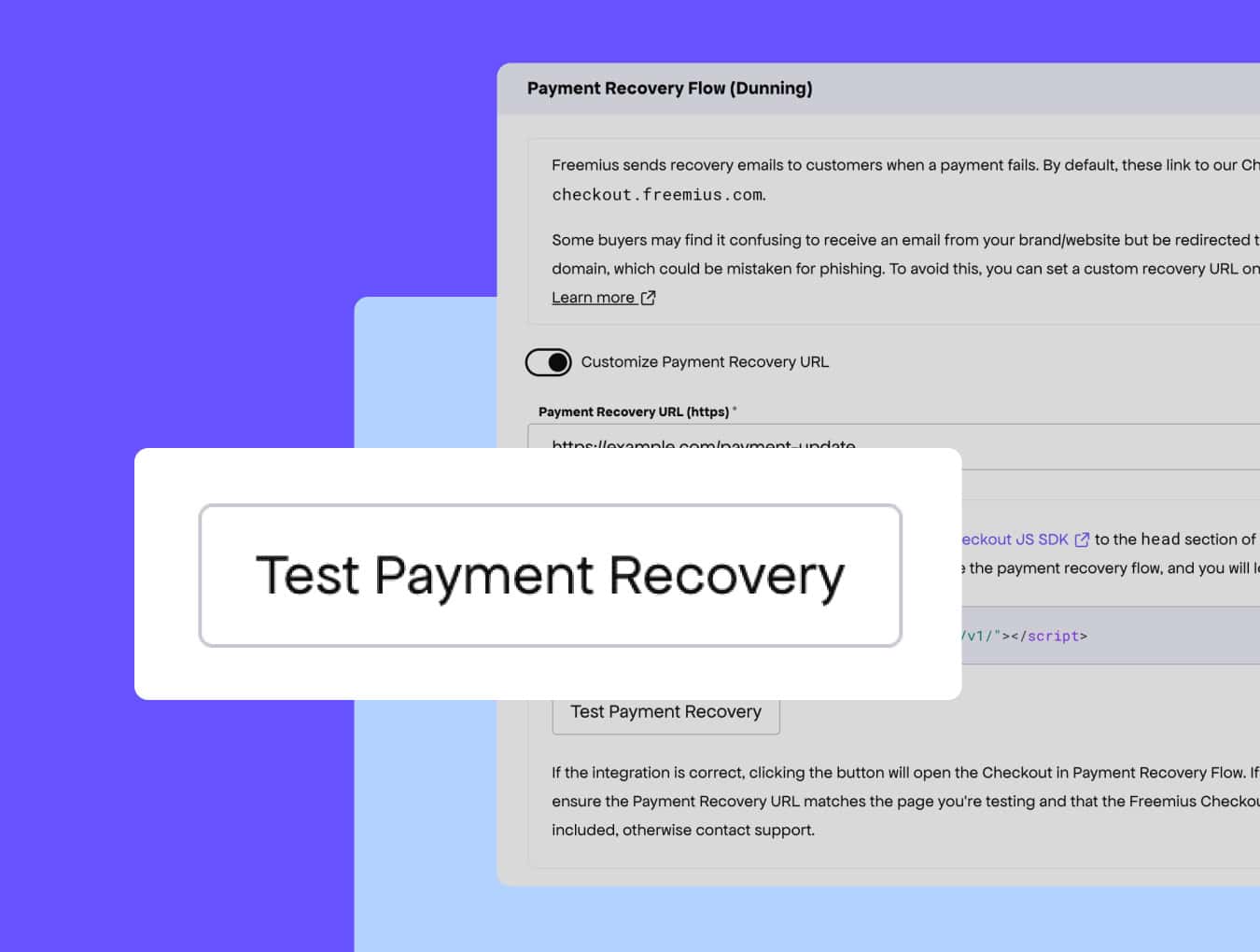
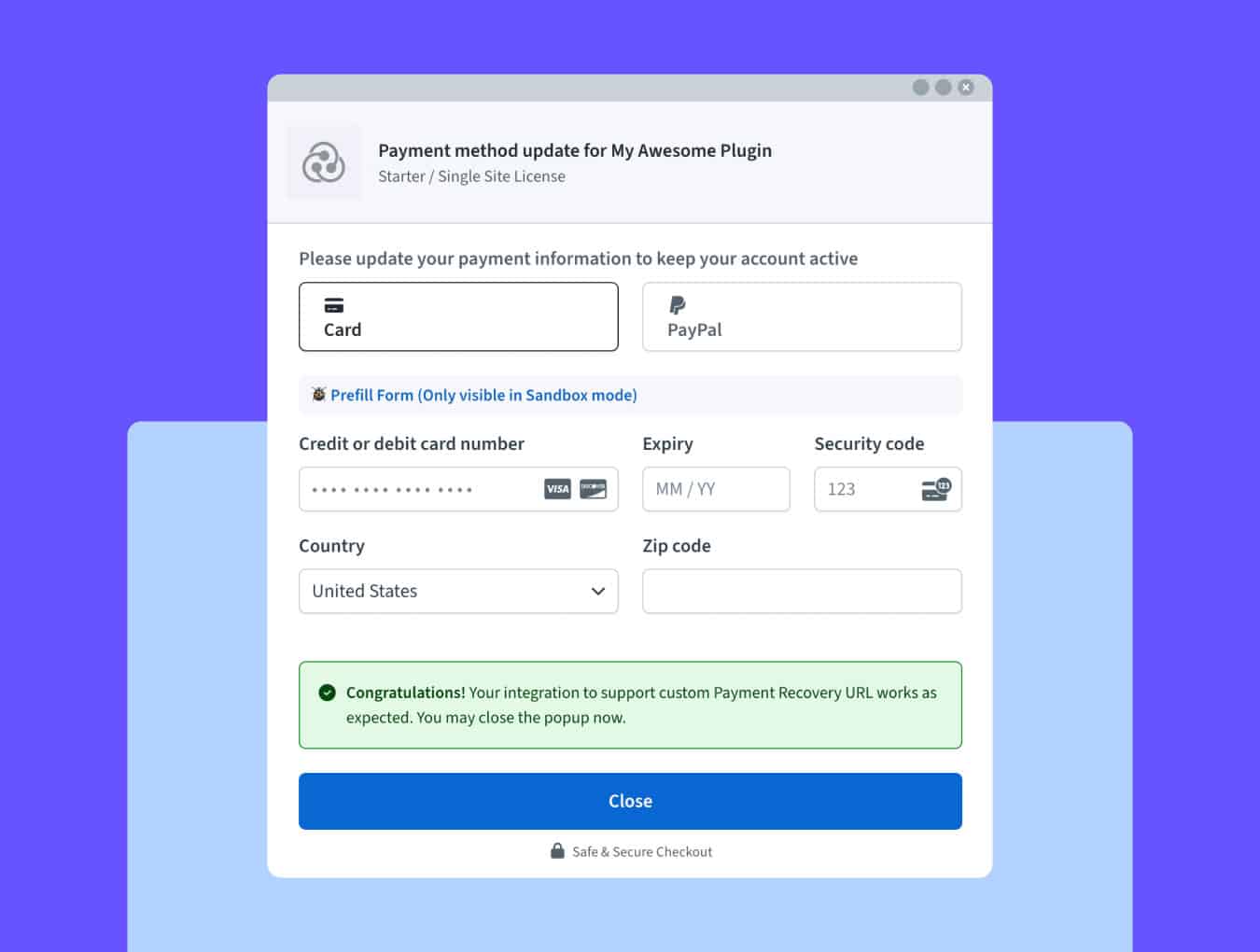
One click opens your recovery URL and launches a mocked payment-recovery checkout flow, giving you the buyer’s view and a confirmation message that your integration is working.
Improved Affiliate Attribution for Cross-Store Purchases
Before, if someone clicked an affiliate link for Product A but bought Product C, the commission was earned, but the payout view still tied it to Product A, which made attribution confusing.
This update fixes that. Cross-store and cross-account commissions now show clearly in the Payouts tab, with the correct product represented, so you can see exactly where each commission came from.
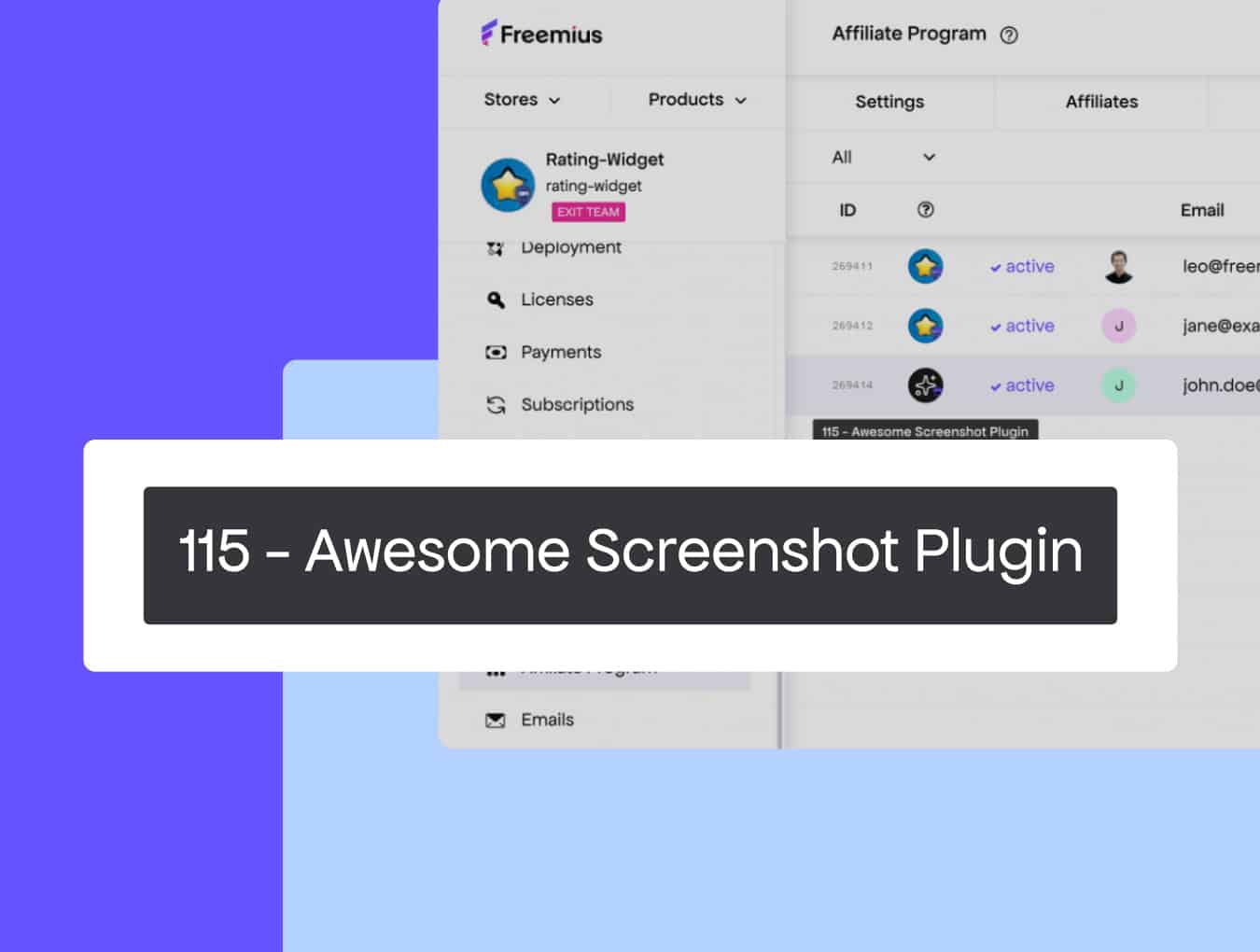
We also fixed an issue with affiliate exports cutting off records, so CSV downloads now include your full affiliate list.
Developer Dashboard Gets a New Onboarding Video
We’ve been putting more focus into the first-time user experience, and this update adds a short walkthrough video to help new makers get up to speed faster. If your product setup isn’t complete yet, you’ll see a guided overview of the key steps and where everything lives in the dashboard.
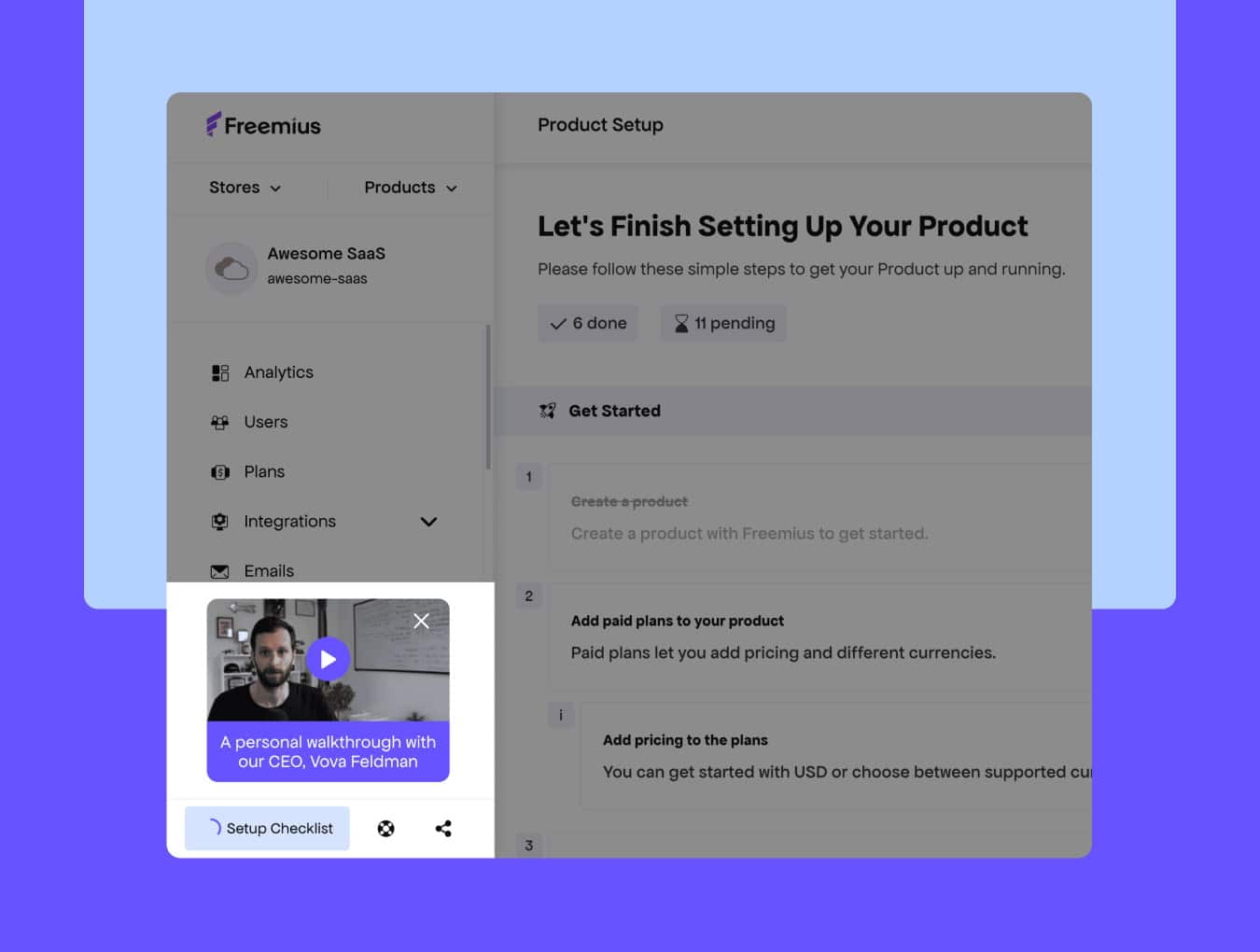
It’s a small touch, but it makes those first few minutes with Freemius a lot smoother.
Fresh New Design for the Freemius Review App
Our Review App has gotten a long-needed visual refresh. Since the review flow starts from the email Freemius sends on your behalf, the design your customers land on matters.
The old version worked, but it felt a little dated. The new look is cleaner and fits better with the rest of the Freemius experience.
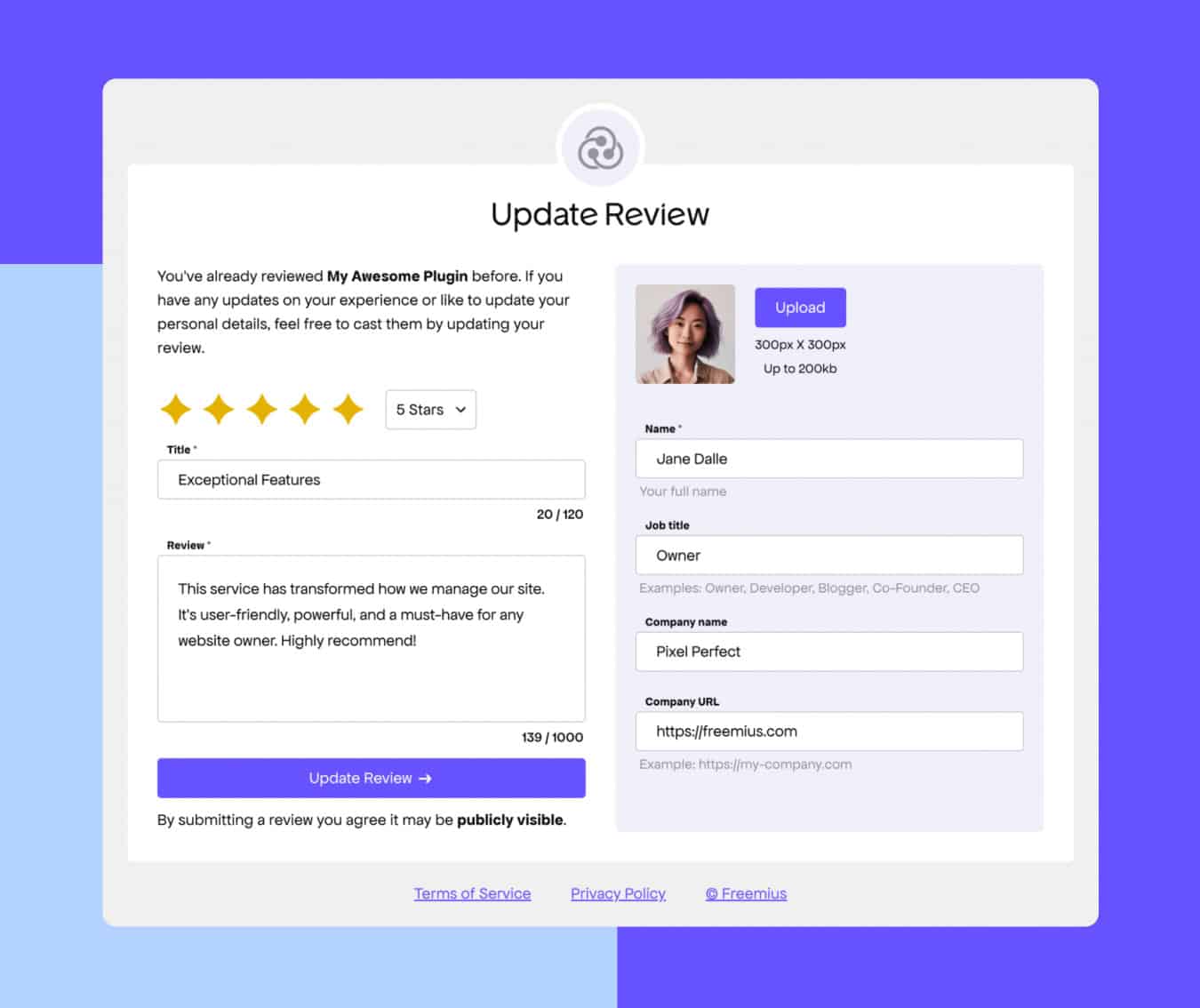
It’s a meaningful upgrade that gives customers a more modern, trustworthy space to leave feedback and helps you collect higher-quality reviews.
Improved Sender Address for Transactional Emails
If you’re sending transactional emails using an address that falls into one of these cases:
- DKIM authentication has not been completed
- You’re using a generic provider like Gmail or Outlook
- The sender address doesn’t match your authenticated domain
…your emails are more likely to get blocked or land in spam — which isn’t great when customers rely on them for invoices, renewals, or updates.
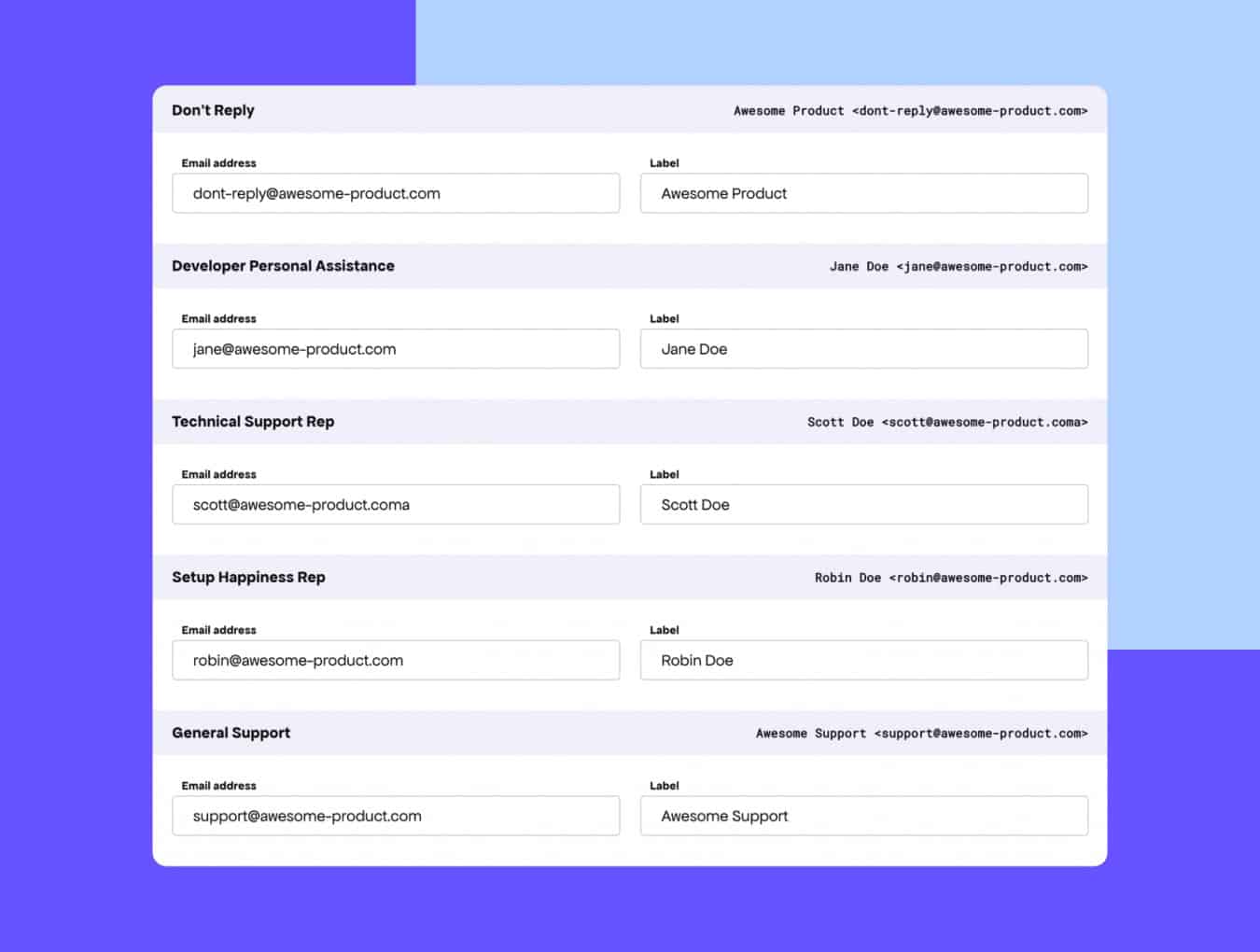
To prevent important messages from getting lost, Freemius now sends transactional emails from [email protected] whenever any of the above apply. Customers will see <[email protected]> {{ productTitle }} via Freemius, and your Reply-To address stays the same, so replies still go directly to you.
If you’re already using your own domain and it’s DKIM-authenticated, your emails will continue using your configured sender.
Our License Recovery Now Works for Migrated Licenses
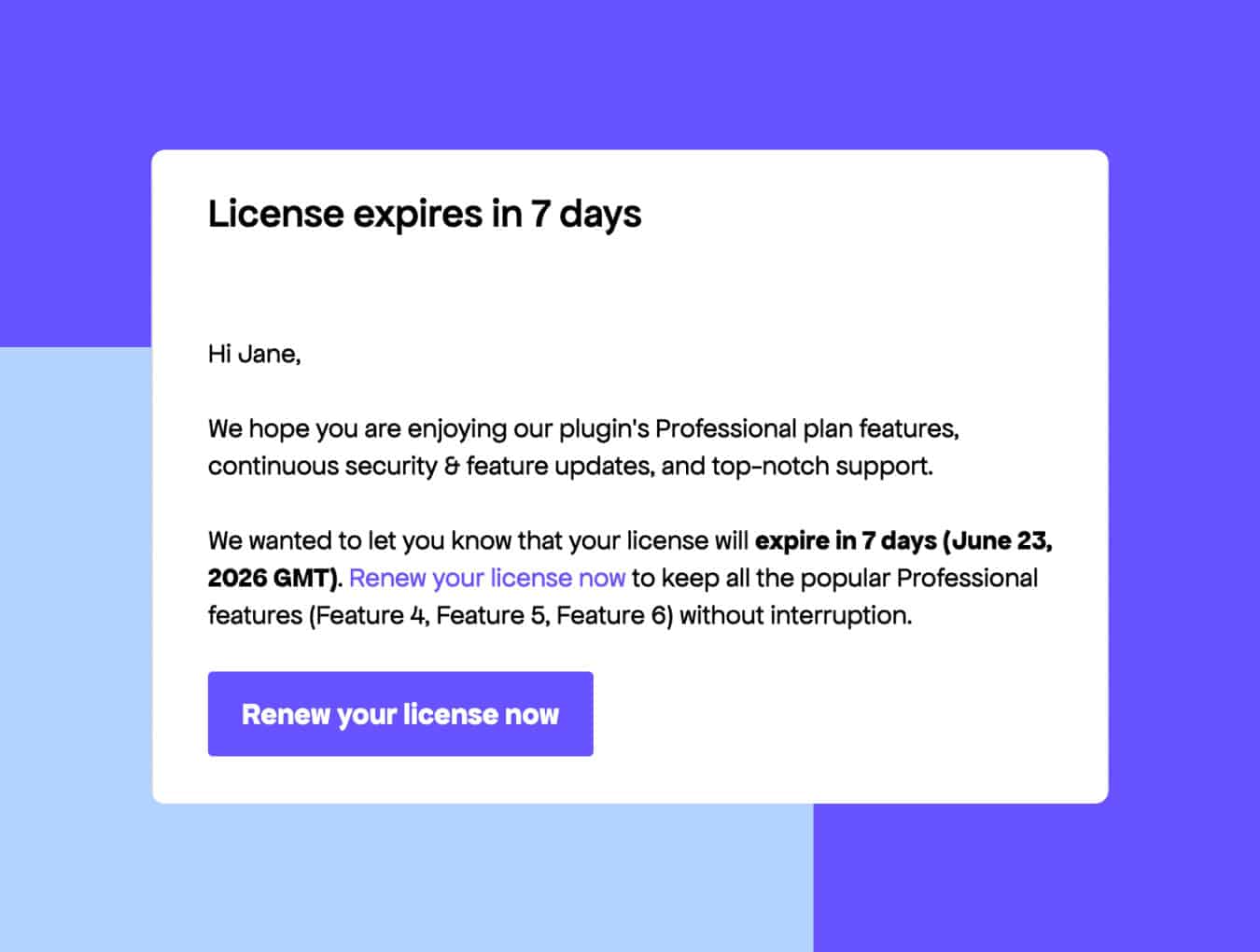
Previously, some migrated licenses weren’t included in the license-recovery flow, so customers never got the expiration notices. Now, those licenses trigger the same “your license is about to expire” email sequence, along with a checkout link to renew just like licenses purchased through Freemius.
Quiet Fixes, Polished Edges, and Small Wins That Add Up
These updates won’t steal the spotlight, but together they smooth out workflows, prevent edge-case headaches, and keep everyday operations running cleanly.
Developer Dashboard
- Added simpler flow for setting unlimited license quotas
- Fixed Plans page actions for non-admin teammates
- Fixed saving issues in Affiliate settings
- Improved clarity of GDPR and marketing-consent details
- Streamlined test-license creation during SDK onboarding
Checkout
- Improved resilience for VAT number verification in checkout
- Fixed a layout glitch in embedded checkout flows (WP SDK 2.13)
- Fixed payment-method recovery flow in Checkout JS SDK 1.4.1
Marketing Automation
Customer Portal
- Hid sensitive details for foreign licenses
- Disabled exit-intent popups in upsell flows
- Fixed incorrect product labels in affiliate application forms
API / Backend
- Fixed license expiration not updating after first PayPal payment
- Improved API filter support and corrected error messages
- Updated fallback statement descriptor for clearer bank entries
- Expanded WP.org product slug limit for better compatibility
Another Month of Smoother Flows, Stronger Systems
A lot of this month’s work came from real conversations with you — little things you pointed out while setting up a bundle, testing checkout, reviewing invoices, or just trying to make your workflow smoother. They may seem small on the surface, but they’re the fixes you feel every day.
If you notice more rough edges or something that slows you down, keep calling it out. It really does help us figure out what needs attention next.